The short version
- Choose a chest strap when fast interval response and consistent contact matter most.
- Choose an optical arm sensor when comfort and easy placement matter more than the quickest response.
- Verify Bluetooth, ANT+ and simultaneous connection support against every device you use.
- A secure fit and fresh battery matter more than extra metrics you will not act on.
- Heart-rate readings are training inputs, not diagnoses.
Heart-rate monitors estimate pulse for training. They do not diagnose or rule out a medical condition. Seek qualified medical advice for symptoms, unusual readings or health decisions.
Approaches in this guide
1What a running heart-rate monitor does
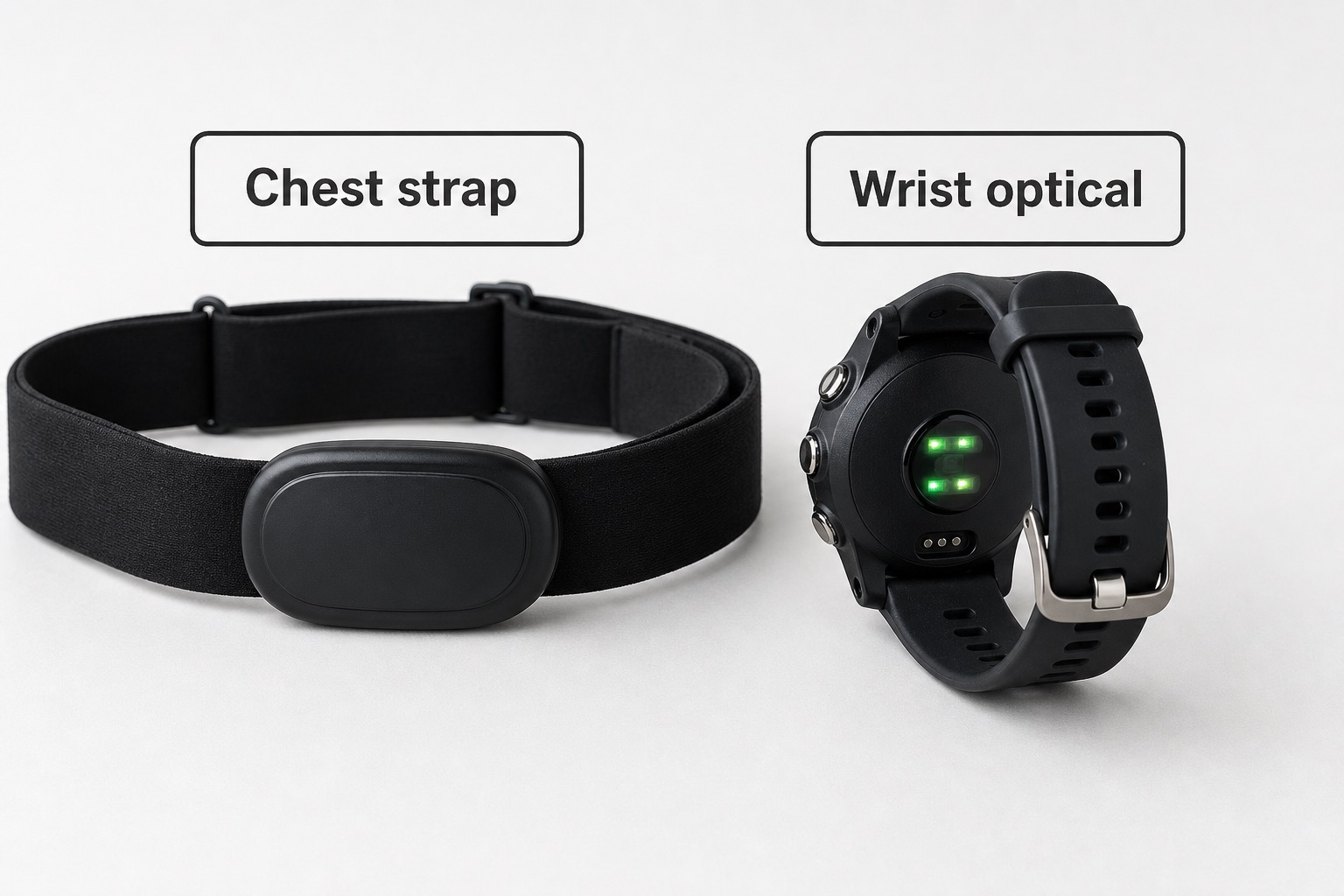
A heart-rate monitor measures pulse during activity and sends the result to a watch, phone, bike computer or training app. Dedicated sensors usually use either electrical sensing at the chest or optical sensing on the arm.
Chest straps detect the electrical timing of heartbeats through skin contact. Optical sensors shine light into tissue and estimate changes in blood flow; moving them from wrist to upper arm often improves stability during running.
The useful choice is not the sensor with the longest feature list. It is the one that stays in place, connects to your equipment and produces dependable enough data for the decisions in your training.
2Why sensor choice changes the data
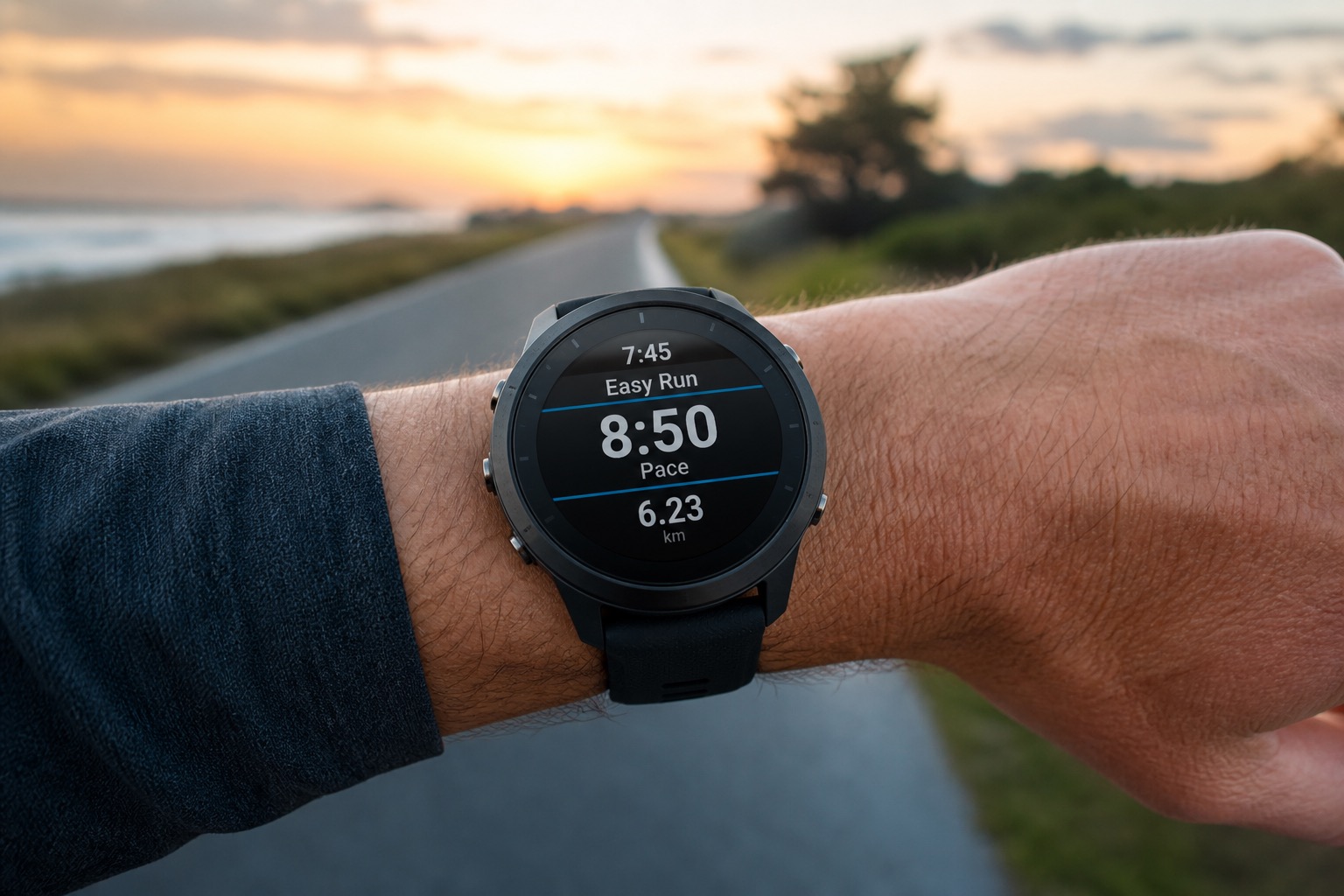
Intervals, hills and abrupt pace changes expose lag or poor contact more clearly than steady running. If you use heart rate to control repetitions or thresholds, response and signal stability matter.
A technically capable sensor still fails if it chafes, slips, dries out or cannot connect to two devices at once. Fit, protocol support and maintenance determine whether it becomes a routine tool.
3Five factors to check
Sensor method
- What it is
- Electrical chest sensing or optical arm sensing.
- How it changes the choice
- Electrical sensing responds directly to cardiac signals; optical sensing estimates blood-flow changes.
- What you may notice
- Different response speed, placement and comfort.
Placement and fit
- What it is
- How the strap or band maintains contact.
- How it changes the choice
- Movement, dry electrodes and loose tension can interrupt readings.
- What you may notice
- Fewer spikes, dropouts and distractions.
Connections
- What it is
- Bluetooth, ANT+ and concurrent device limits.
- How it changes the choice
- Protocols determine which watches, apps and gym equipment can receive data.
- What you may notice
- Whether your full setup works without re-pairing.
Battery and care
- What it is
- Replaceable-cell or rechargeable runtime plus cleaning needs.
- How it changes the choice
- Storage, sweat and charging habits affect reliability.
- What you may notice
- Less chance of a dead sensor before a key run.
Stored data and extras
- What it is
- Onboard memory, running dynamics or standalone recording.
- How it changes the choice
- Extra functions can help when a watch is absent or a platform supports them.
- What you may notice
- Useful workflow gains only when your devices can consume the data.
4What to look for in each factor
Confirm battery, sensing method and controls against the sessions you log most — a feature you never open is dead weight on the wrist.
Look for
Sensor method
- Electrical chest sensing or optical arm sensing.
- Watch for: Different response speed, placement and comfort.
- Decision tip: Electrical sensing responds directly to cardiac signals; optical sensing estimates blood-flow changes.
Look for
Placement and fit
- How the strap or band maintains contact.
- Watch for: Fewer spikes, dropouts and distractions.
- Decision tip: Movement, dry electrodes and loose tension can interrupt readings.
Look for
Connections
- Bluetooth, ANT+ and concurrent device limits.
- Watch for: Whether your full setup works without re-pairing.
- Decision tip: Protocols determine which watches, apps and gym equipment can receive data.
Look for
Battery and care
- Replaceable-cell or rechargeable runtime plus cleaning needs.
- Watch for: Less chance of a dead sensor before a key run.
- Decision tip: Storage, sweat and charging habits affect reliability.
5Chest strap or optical arm sensor?
Option
Chest strap
Fast changes
Usually strongest
Comfort
Pressure around torso
Contact
Electrodes need skin contact
Option
Optical arm sensor
Fast changes
May show some lag
Comfort
Band on upper or lower arm
Contact
Optical fit must block movement and light
| Chest strap | Optical arm sensor | Decision | |
|---|---|---|---|
| Fast changes | Usually strongest | May show some lag | Chest for tightly controlled intervals |
| Comfort | Pressure around torso | Band on upper or lower arm | Choose the placement you will keep wearing |
| Contact | Electrodes need skin contact | Optical fit must block movement and light | Both require deliberate setup |
| Maintenance | Wash strap; often replace coin cell | Wipe sensor; recharge | Match your routine |
Individual fit and conditions can outweigh category tendencies.
Look for
Chest strap
- Fast changes: Usually strongest
- Comfort: Pressure around torso
- Contact: Electrodes need skin contact
- Maintenance: Wash strap; often replace coin cell
Look for
Optical arm sensor
- Fast changes: May show some lag
- Comfort: Band on upper or lower arm
- Contact: Optical fit must block movement and light
- Maintenance: Wipe sensor; recharge
6Accuracy, comfort and convenience
What you may gain
- · Cleaner workout data than a poorly fitted wrist sensor
- · More stable readings in many hard sessions
- · Direct connection to compatible training devices
What you may give up
- · Another item to fit, clean and power
- · Chest straps can chafe or feel restrictive
- · Optical arm sensors can lag during rapid intensity changes
7Three useful sensor approaches
These products illustrate different approaches, not a universal ranking. Check current compatibility before buying.
Connected chest strap

8.7 Kitletics Score
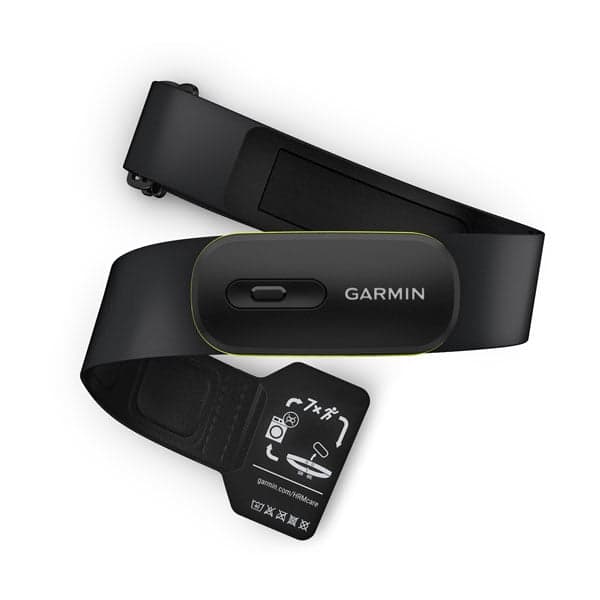
Garmin HRM-Pro Plus
Why it illustrates the category: Shows a feature-rich electrical strap with broad training-device integration.
Best for
- · Intervals
- · Garmin users
- · Multi-device training
Trade-off
Chest placement and a premium feature set are more than some runners need.
Read review →From € 139Accuracy-first chest strap
9.0 Kitletics Score
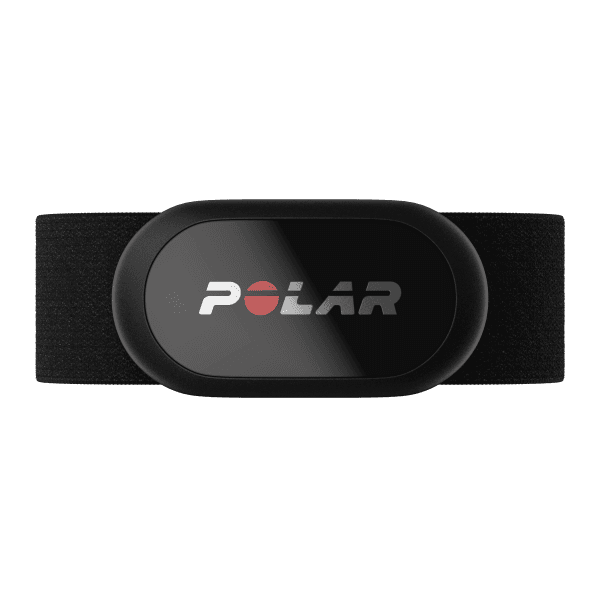
Polar H10
Why it illustrates the category: Represents a focused chest sensor widely used for stable heart-rate capture.
Best for
- · Structured workouts
- · Broad app use
- · Runners prioritising signal quality
Trade-off
Still requires chest contact, strap care and compatibility checks.
Read review →From € 89Optical arm sensor
8.4 Kitletics Score
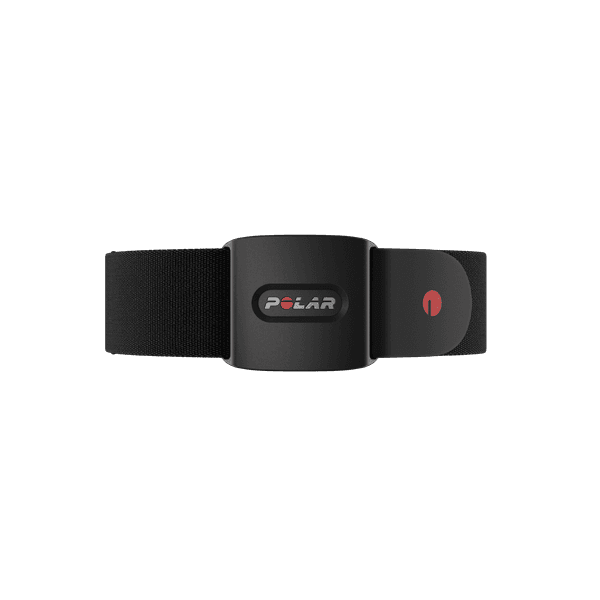
Polar Verity Sense
Why it illustrates the category: Demonstrates the comfort and placement alternative to a chest strap.
Best for
- · Chest-strap avoiders
- · Steady running
- · Multi-sport use
Trade-off
Optical sensing may respond less quickly to sharp intensity changes.
Read review →From € 89
8How current options differ
| Product | Support approach | Cushion | Drop | Widths | Best use | Key trade-off |
|---|---|---|---|---|---|---|
| — | — | — | — | Connected chest strap | Superseded by HRM 600 for standalone recording and rechargeable battery | |
| — | — | — | — | Accuracy-first chest strap | Coin-cell swaps | |
| — | — | — | — | Optical arm sensor | Optical HR can lag in intervals vs good chest straps |
9Choose a monitor in six steps
- 1
Define the workout
State whether you need steady trends, interval response or standalone recording.
- 2
Choose the sensor method
Start with chest for rapid response or arm optical for placement comfort.
- 3
List every receiver
Include watch, phone, treadmill, bike computer and app.
- 4
Verify protocols
Confirm Bluetooth, ANT+ and simultaneous connection limits.
- 5
Test fit in motion
Reject slipping, pressure, chafing or inconsistent contact.
- 6
Accept the upkeep
Choose a battery and cleaning routine you will actually maintain.
10Common mistakes
Buying by sensor method alone
Fit and connection support can matter as much as chest versus optical.
Assuming every device connects
Check protocols and simultaneous connection limits before purchase.
Ignoring contact preparation
A loose optical band or dry chest electrodes can create bad data.
Skipping cleaning and battery care
Sweat residue and weak power undermine reliability.
Treating readings as medical certainty
A training sensor does not diagnose symptoms or disease.
11Frequently asked questions
- Is a chest strap more accurate than watch optical HR?
- Many runners prefer chest straps for hard intervals because optical wrist HR can be more variable during intense efforts. Ease of use still favours watch optical for easy miles.
- Is a chest strap more accurate than an optical arm monitor?
- A well-fitted chest strap usually responds faster to sharp intensity changes. A good optical arm sensor can be dependable for steady running and may be more comfortable.
- Do I need ANT+ and Bluetooth?
- Only if your devices require both. List every watch, phone, app and machine you plan to connect, then verify protocols and simultaneous connection limits.
- Why does my heart-rate monitor spike or drop out?
- Common causes include loose fit, dry chest electrodes, movement, cold conditions, weak battery or wireless interference. Correct setup before interpreting the data.
- Can a running heart-rate monitor detect a medical problem?
- It can show a reading that deserves attention, but it cannot diagnose or rule out a condition. Seek qualified medical advice for symptoms or concerns.
Compare heart-rate sensor approaches
Garmin
HRM-Pro Plus
Connected chest strap
8.7 Very GoodFrom € 139
View review →Polar
H10
Accuracy-first chest strap
9.0 ExcellentFrom € 89
View review →Polar
Verity Sense
Optical arm sensor
8.4 GoodFrom € 89
View review →
Head-to-head comparisons
Continue the decision with focused head-to-heads — who should choose which, and the trade-offs that matter.
HRM 600vsH10
Garmin dynamics/rechargeable flagship vs Polar accuracy benchmark.
Compare →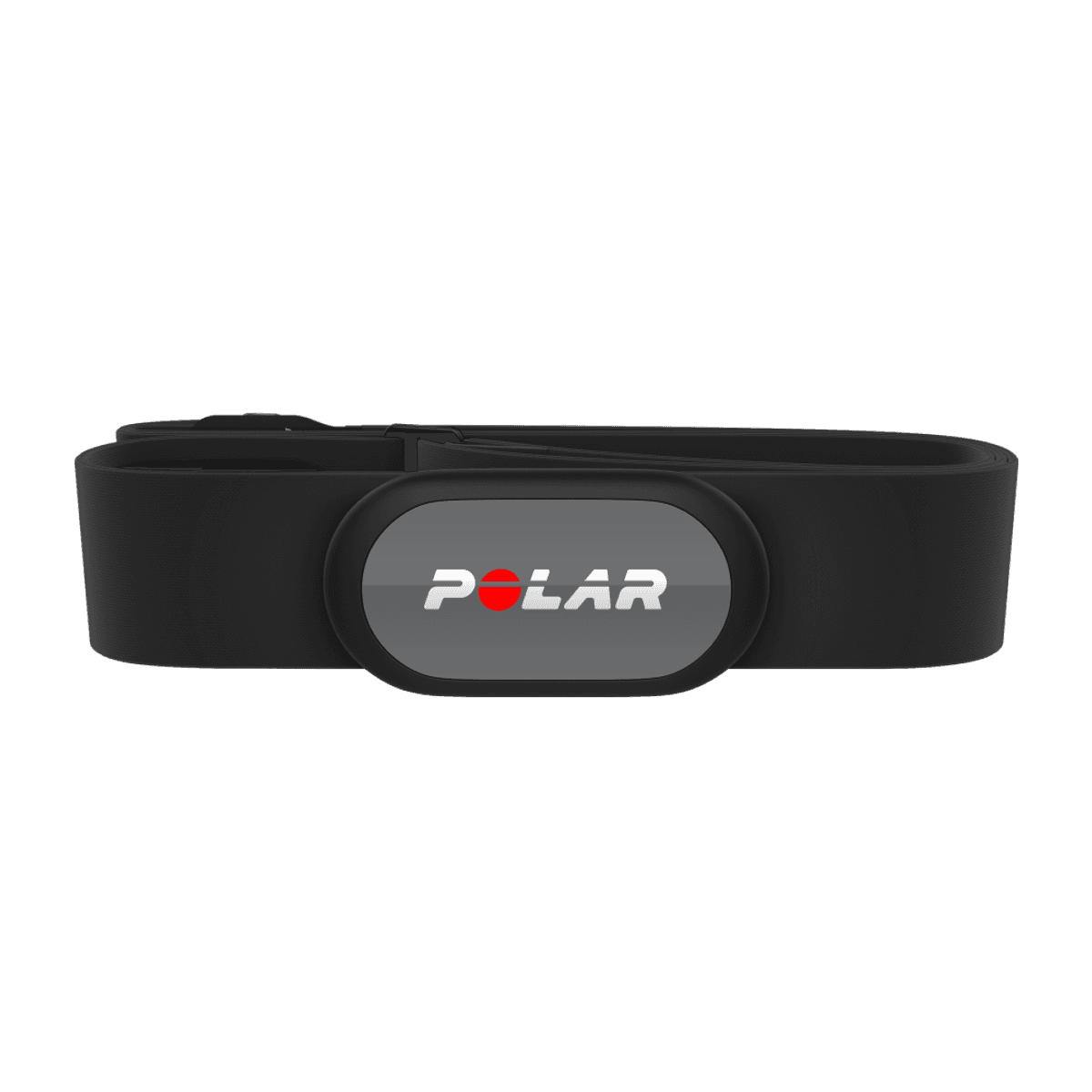
H10vsH9
Flagship Polar chest strap vs budget sibling.
Compare →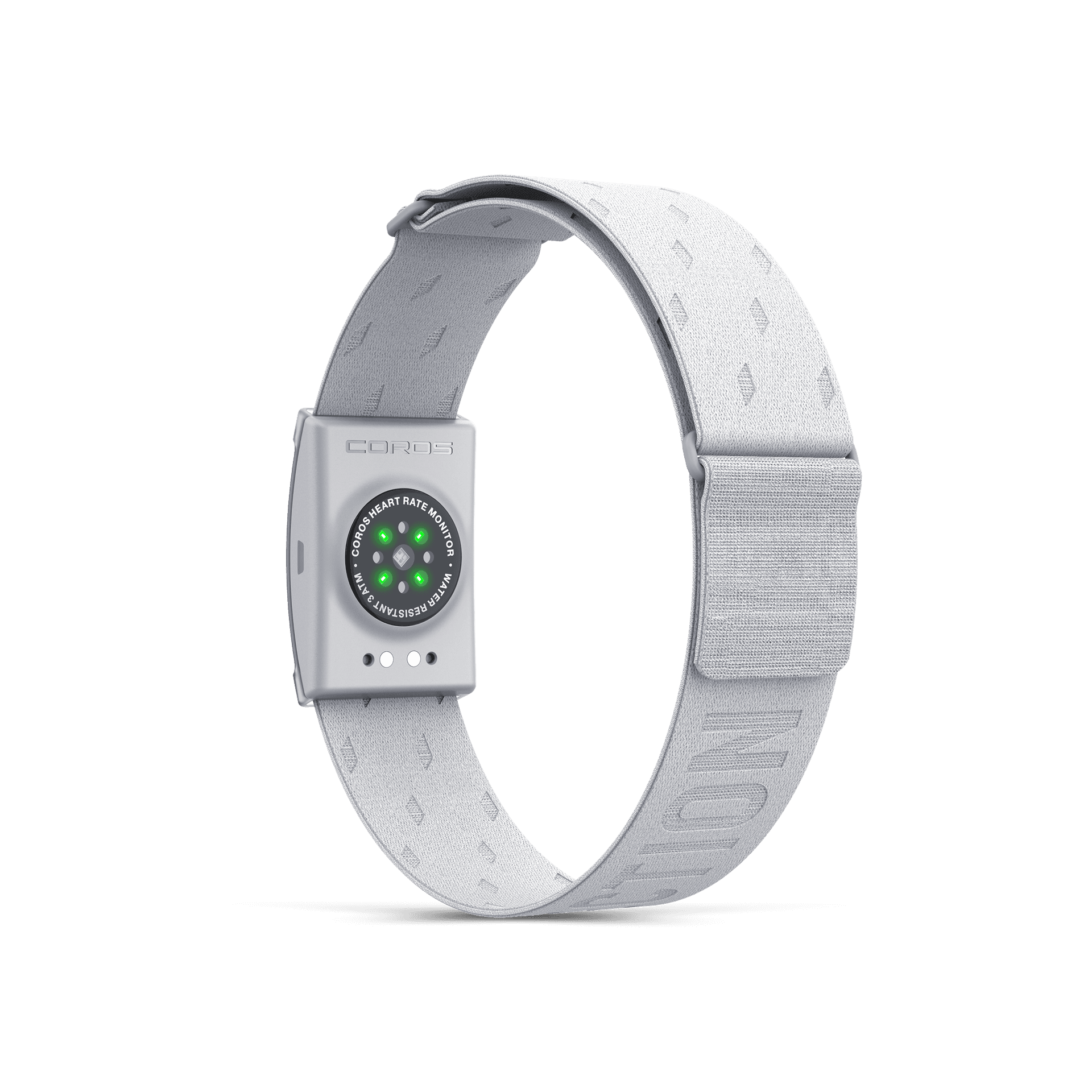
Heart Rate MonitorvsVerity Sense
Two leading optical armband HR options for runners.
Compare →HRM-Pro PlusvsH10
Chest-strap HR monitors for training accuracy.
Compare →How we research
This guide combines manufacturer specifications, catalog product data and independent specialist coverage. Product examples render from live catalog data.