The short version
- Start with enough GPS-mode battery for your longest activity, including the settings you will actually enable.
- Multi-band GPS is most valuable around tall buildings, forests, cliffs and other difficult reception environments.
- Choose breadcrumb navigation for straightforward planned routes; pay for full offline maps when surrounding trail and road context matters.
- Training metrics are useful only when you will wear the watch consistently and use the result to make a decision.
- Case fit, controls, phone compatibility, sensor support and data export can matter more than one extra headline feature.
- Wrist heart rate and watch wellness features support training awareness; they are not medical diagnoses.
Consumer watch heart-rate, ECG, oxygen and wellness features have device-specific limitations and do not diagnose or rule out a medical condition. Seek advice from a qualified healthcare professional for symptoms, abnormal readings or medical decisions.
Approaches in this guide
1Start with the run, not the feature list
The best running watch is the least complicated one that reliably covers your real training.
Begin with three questions: where you run, how long your longest activity lasts and what decisions you want the watch to help you make. A road runner following simple pace workouts needs a different tool from an ultrarunner navigating unfamiliar trails.
GPS accuracy and enough battery are foundations. Maps, music, payments, AMOLED displays and advanced training analysis are optional layers. Buying every layer can add cost, charging frequency, weight and menus without improving the runs you actually do.
Also consider the software around the watch. Your training history, planned workouts, connected sensors and preferred apps can make an ecosystem more valuable over time, but they should not lock you into hardware that misses a core requirement.
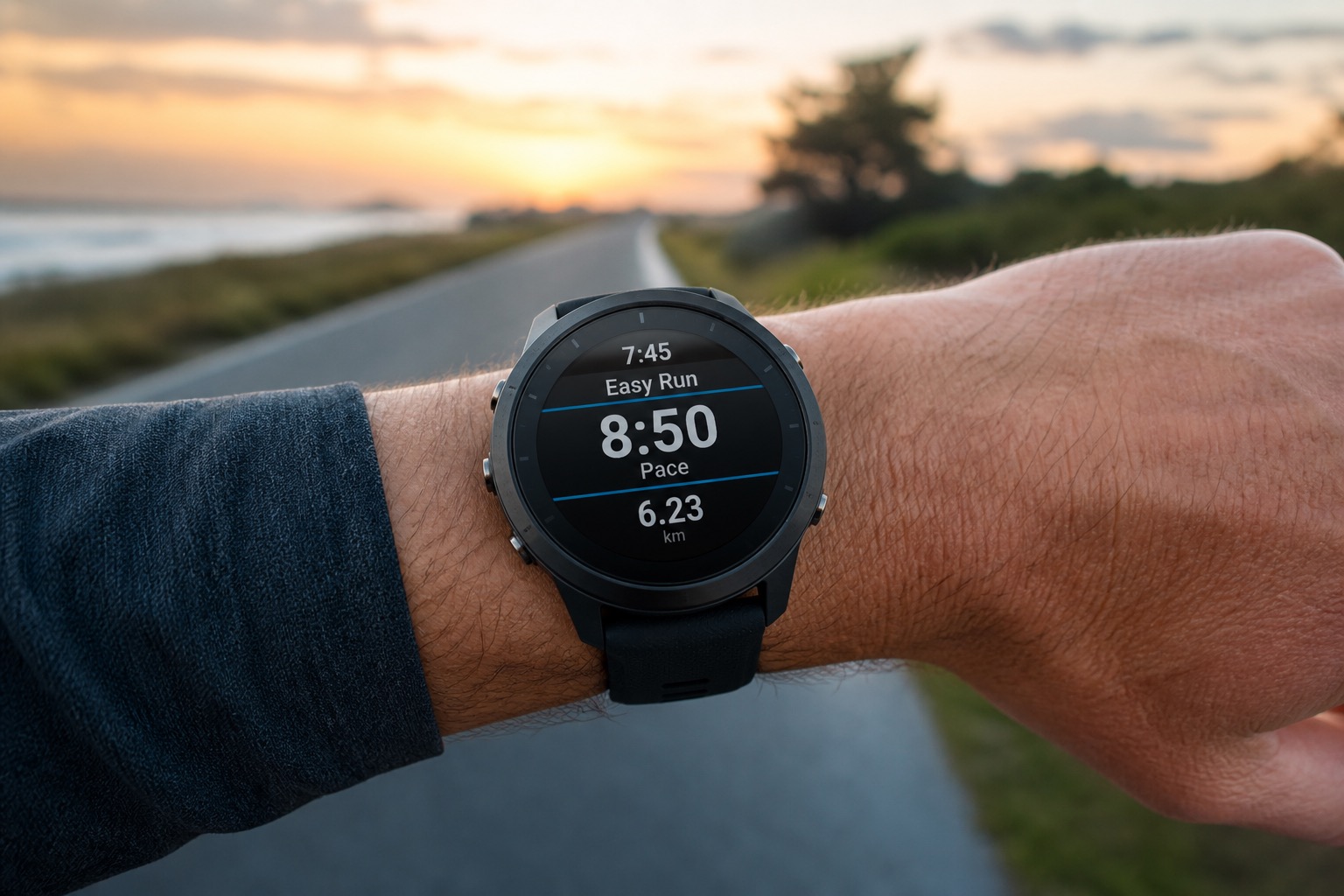
2Phone tracking vs a dedicated GPS watch
Phone in hand / pocket
Fine for a post-run log. Awkward for live pace, wet weather and long GPS sessions shared with calls and music.
Wrist GPS watch
Glanceable fields, workout controls and continuous GPS without digging for a phone mid-interval.
| Phone app | GPS running watch | Buying implication | |
|---|---|---|---|
| Pace and distance | Adequate for many casual runs, but awkward to check mid-run | Live data fields remain visible on the wrist | A watch matters more when you pace workouts or races |
| Battery | Navigation, music and mobile signal share one battery | Activity battery is designed around continuous GPS recording | Long events need tested GPS-mode headroom |
| Heart rate | Usually needs an external sensor | Wrist optical HR is convenient; many watches pair with straps | Convenience and interval precision are separate needs |
| Navigation | Large, detailed map but less convenient in rain or on technical terrain | Wrist prompts range from breadcrumb routes to offline maps | Choose the navigation depth your routes require |
| Safety and communication | Native calls, messaging and location sharing when coverage exists | Varies by model; many still depend on a paired phone | Do not assume a GPS watch replaces a phone or emergency device |
A phone is enough for runners who mainly want a post-run record. A watch earns its place through glanceable pacing, structured workouts, sensors, navigation or longer GPS endurance.
Look for
Phone app
- Pace and distance: Adequate for many casual runs, but awkward to check mid-run
- Battery: Navigation, music and mobile signal share one battery
- Heart rate: Usually needs an external sensor
- Navigation: Large, detailed map but less convenient in rain or on technical terrain
Look for
GPS running watch
- Pace and distance: Live data fields remain visible on the wrist
- Battery: Activity battery is designed around continuous GPS recording
- Heart rate: Wrist optical HR is convenient; many watches pair with straps
- Navigation: Wrist prompts range from breadcrumb routes to offline maps
3The six factors that should drive the purchase
 Open sky
Clear sky view — standard GNSS is often enough for clean tracks and pace.
 Urban canyon
Tall buildings reflect and block signals — multi-band GNSS can help, at a battery cost.
 Dense forest
Tree canopy restricts sky view. Harder reception is where multi-band earns its keep.
GPS accuracy
- What it is
- How consistently the watch records position, pace and distance.
- How it changes the choice
- Buildings, tree cover, terrain, antenna design and GNSS mode affect the track.
- What you may notice
- Cleaner routes and steadier instant pace in difficult environments.
Battery
- What it is
- Separate endurance figures for daily smartwatch use and active GPS recording.
- How it changes the choice
- Multi-band GNSS, AMOLED always-on display, music, maps and cold weather increase drain.
- What you may notice
- Whether the watch completes your longest activity with a safe reserve.
Maps and navigation
- What it is
- Anything from a line to follow through to routable offline cartography.
- How it changes the choice
- Full maps add context at junctions; breadcrumb navigation mainly shows the planned track.
- What you may notice
- How easily you recover from a missed turn without reaching for a phone.
Heart-rate sensing
- What it is
- Optical wrist measurement plus support for external chest or arm sensors.
- How it changes the choice
- Fit, motion, skin conditions, temperature and intensity can affect wrist readings.
- What you may notice
- Convenient effort trends, with a strap often preferred for fast-changing intervals.
Training metrics
- What it is
- Workout guidance, load, recovery, readiness and performance estimates.
- How it changes the choice
- Algorithms need consistent wear and good input data; brands interpret similar signals differently.
- What you may notice
- More context for planning, but also more numbers that require judgment.
Durability and fit
- What it is
- Case, lens, buttons, water rating, strap, weight and wrist ergonomics.
- How it changes the choice
- Trail impacts, swimming, weather and all-day wear place different demands on the hardware.
- What you may notice
- A watch that stays secure, readable and comfortable late in a long run.
4What to look for in each factor
Confirm battery, sensing method and controls against the sessions you log most — a feature you never open is dead weight on the wrist.
Look for
GPS accuracy
- How consistently the watch records position, pace and distance.
- Watch for: Cleaner routes and steadier instant pace in difficult environments.
- Decision tip: Buildings, tree cover, terrain, antenna design and GNSS mode affect the track.
Look for
Battery
- Separate endurance figures for daily smartwatch use and active GPS recording.
- Watch for: Whether the watch completes your longest activity with a safe reserve.
- Decision tip: Multi-band GNSS, AMOLED always-on display, music, maps and cold weather increase drain.
Look for
Maps and navigation
- Anything from a line to follow through to routable offline cartography.
- Watch for: How easily you recover from a missed turn without reaching for a phone.
- Decision tip: Full maps add context at junctions; breadcrumb navigation mainly shows the planned track.
Look for
Heart-rate sensing
- Optical wrist measurement plus support for external chest or arm sensors.
- Watch for: Convenient effort trends, with a strap often preferred for fast-changing intervals.
- Decision tip: Fit, motion, skin conditions, temperature and intensity can affect wrist readings.
5When multi-band GPS is worth paying for
Multi-band or dual-frequency GNSS can reduce some errors caused by signals reflecting between tall buildings, cliffs or dense cover. It is most useful for runners who regularly train in urban canyons, forests, mountains or on routes where small position errors make pacing and navigation less dependable.
It is not a guarantee of a perfect track. Antenna design, software, recording settings and satellite visibility still matter, and easier open-sky routes may show little practical difference from a good standard GPS mode.
Treat GNSS mode as a selectable tool. Use the most demanding mode when conditions justify it and a lower-power mode when battery matters more than marginal track improvement.
Open skyClear sky view — standard GNSS is often enough for clean tracks and pace.
Urban canyonTall buildings reflect and block signals — multi-band GNSS can help, at a battery cost.
Dense forestTree canopy restricts sky view. Harder reception is where multi-band earns its keep.
Look for
Your hardest routes
- Tall buildings, dense trees or steep terrain on weekly runs
- Whether track drift or jumpy pace currently frustrates you
- Whether you need cleaner navigation inputs, not prettier Strava art
Look for
Battery in the real mode
- GPS runtime with multi-band / all-systems enabled
- Reserve beyond your longest planned activity
- Whether you can drop to a lighter GNSS mode on easy days
6Read battery claims in the mode you will use
AMOLED
Bright, high-contrast screen. Great indoors and for rich graphics; brightness and always-on drain battery faster.
MIP (memory-in-pixel)
Reflective display that stays readable in bright sun with low power. Less “phone-like”, often paired with buttons.
What you may gain
- · GPS-mode headroom reduces charging anxiety during races and long trail days
- · Longer daily battery makes sleep and recovery tracking more consistent
- · Power profiles let endurance users trade some accuracy or display behaviour for runtime
- · MIP displays can remain highly readable outdoors with lower power demand
What you may give up
- · Multi-band GPS, music playback and frequent map use can sharply reduce headline runtime
- · Bright AMOLED and always-on settings generally increase charging frequency
- · A larger battery can mean a larger or heavier case
- · Published maximums may assume settings different from your preferred configuration
Aim for meaningful reserve beyond your longest expected activity. Battery ages, weather changes and sensors add load.
7AMOLED or MIP display?
AMOLED
Bright, high-contrast screen. Great indoors and for rich graphics; brightness and always-on drain battery faster.
MIP (memory-in-pixel)
Reflective display that stays readable in bright sun with low power. Less “phone-like”, often paired with buttons.
| AMOLED | MIP | Choose it when | |
|---|---|---|---|
| Readability | High contrast and vivid indoors; may use gesture or always-on settings | Reflective display becomes clearer in bright outdoor light | AMOLED suits rich everyday use; MIP suits always-visible outdoor data |
| Battery behaviour | Brightness and always-on use consume more power | Low-power static display supports long daily endurance | Compare actual configured modes, not display labels alone |
| Interface | Often paired with touch and detailed graphics | Often button-led and visually simpler | Wet-weather runners should verify reliable button control either way |
Display type is a usability preference, not a measure of GPS or training quality.
Look for
AMOLED buyers should verify
- Brightness and always-on settings you will actually use
- Gesture-to-wake reliability while running
- Buttons still usable with wet hands if you dislike touch-only controls
Look for
MIP buyers should verify
- Readability of your preferred data fields in sun
- Night backlight behaviour on early or late runs
- Whether the simpler interface matches how you train
9Training metrics are only useful if they change a decision
Load, recovery and readiness scores summarize data through proprietary models. They can help you notice patterns, but a precise-looking score is still an estimate influenced by sensor quality, sleep tracking, consistent wear and the brand’s assumptions.
Choose metrics by action: structured workouts if you follow a plan, recovery trends if you wear the watch overnight, or running dynamics if your coaching process uses them. More dashboards are not automatically better coaching.
Before changing brands, check workout syncing, route services, sensor compatibility, music, payments, phone support and data export. Ecosystem friction can outweigh a small hardware advantage, while open export reduces future lock-in.
Look for
Metrics that earn their place
- Programmable workouts if you follow a plan
- Recovery / readiness only if you wear the watch overnight
- External HR strap support if intervals matter more than convenience
Look for
Ecosystem checks
- Phone OS support and app reliability
- Route / workout sync from tools you already use
- Data export so you are not trapped later
10Match the watch to your runner profile
- 1
First 5K or regular easy running
Prioritise reliable GPS, simple pace and lap controls, comfortable fit and clear workout prompts. Flagship maps and metrics are optional.
Explore → - 2
Structured road training
Look for programmable workouts, stable pace data, sensor support, recovery context and a screen readable at speed.
Explore → - 3
Trail and unfamiliar routes
Prioritise multi-band GPS where conditions are difficult, useful maps, buttons, weather-ready construction and route tools.
Explore → - 4
Ultra and all-day events
Start with worst-case GPS battery, charging strategy, navigation and comfort; smart features come later.
Explore → - 5
Running plus everyday smartwatch use
Balance run tracking against calls, apps, payments, music and phone integration, accepting the likely battery trade-off.
Explore →
11A six-step running-watch decision
- 1
Set the battery floor
Use your longest event or adventure with the GPS mode, maps, sensors and display settings you expect, then add reserve.
- 2
Name the hard GPS environment
Open roads may not require multi-band; cities, forests and mountains make it more valuable.
- 3
Choose navigation depth
Decide between no routes, breadcrumb guidance and full offline maps before comparing extras.
- 4
List actionable training tools
Keep only metrics, workout features and sensors that will inform a real training decision.
- 5
Check wrist fit and controls
Confirm case size, weight, strap comfort, screen readability and button operation during movement.
- 6
Audit the ecosystem
Verify phone support, route and workout sync, external sensors, data export, music and payments.
Which requirement eliminates the most watches?
Very long battery
Start with endurance-focused GPS watches and compare the exact high-accuracy mode.
Full maps
Filter for offline maps, then verify routing and route-import behaviour.
Simple and affordable
Start with entry running watches; avoid paying for maps and deep analytics by default.
Smartwatch apps
Start with phone compatibility and daily features, then confirm GPS battery covers your runs.
12Five real approaches to a running watch
These catalog products illustrate different priorities rather than a ranking. Specifications, availability and prices can change; use the current Best guide for recommendations.
Simpler first running watch
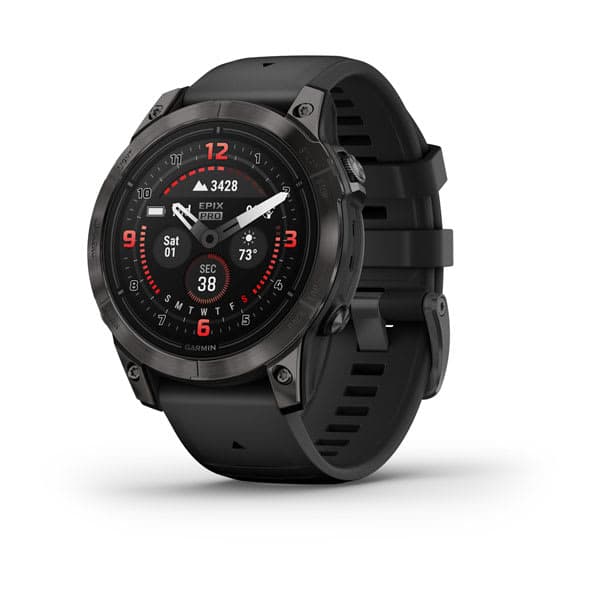
7.6 Kitletics Score
Garmin Forerunner 165
Why it illustrates the category: Core GPS, wrist heart rate and recovery features without multi-band GPS, maps or a flagship training suite.
Best for
- · New runners
- · Road training
- · Buyers who value simplicity
Trade-off
Limited navigation and fewer advanced metrics.
Read review →From € 249Deep training and maps
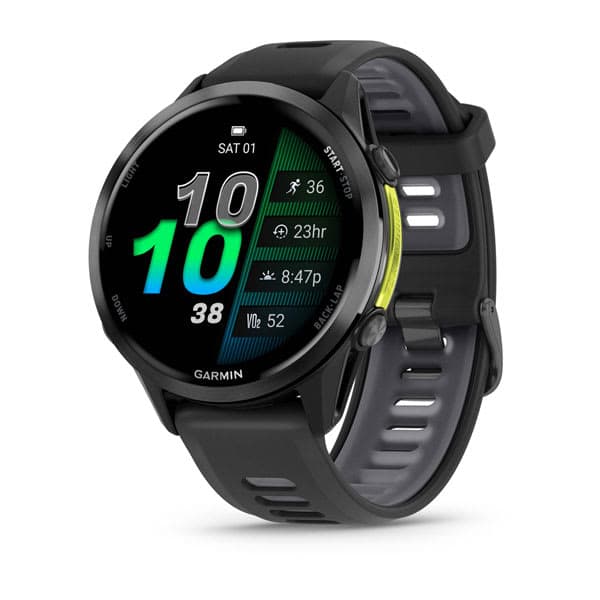
9.1 Kitletics Score
Garmin Forerunner 970
Why it illustrates the category: Combines AMOLED, multi-band GPS, full maps and Garmin’s broad training ecosystem.
Best for
- · Structured training
- · Navigation
- · Runners already using Garmin
Trade-off
Premium price and more complexity than many runners need.
Read review →From € 689Light maps-and-battery balance
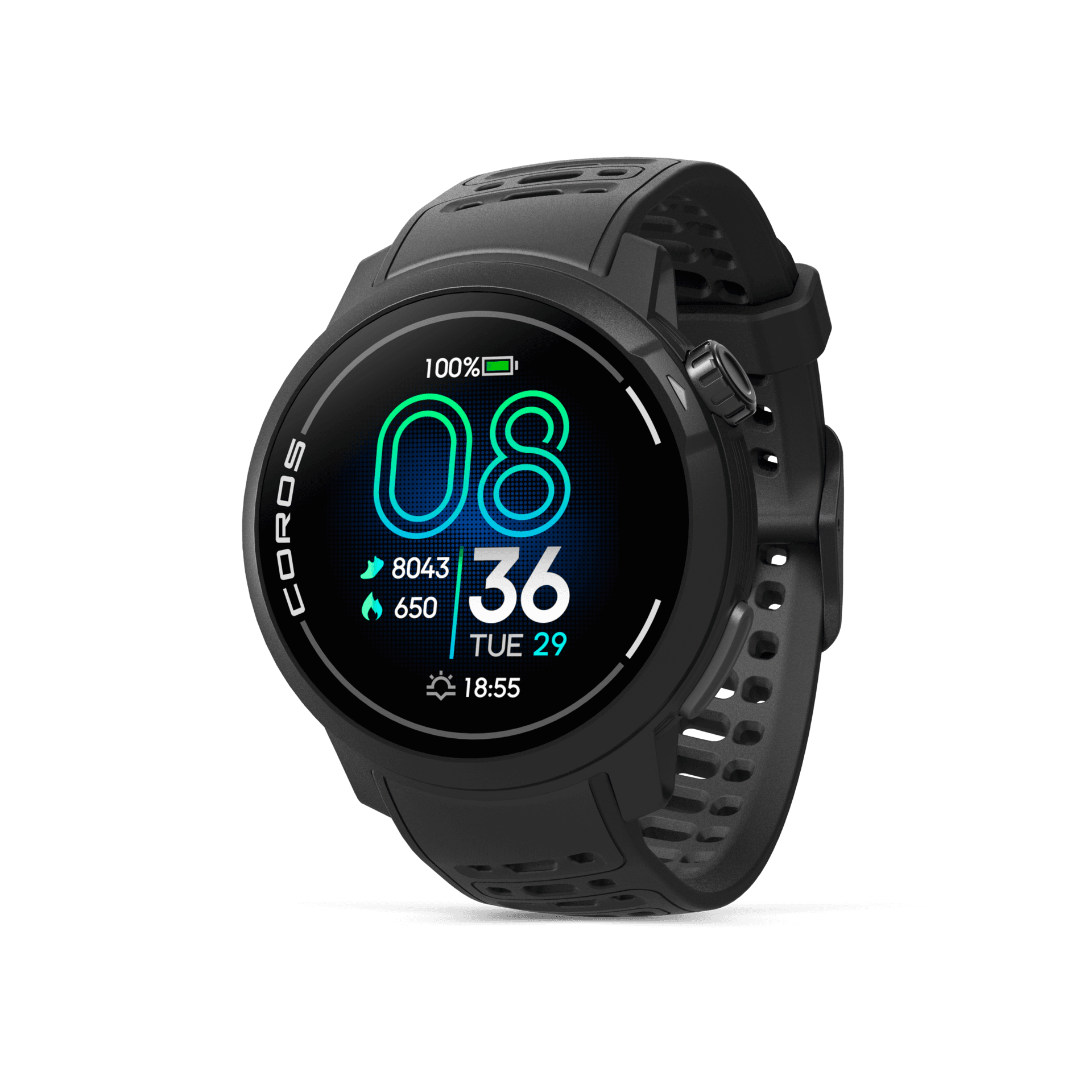
8.9 Kitletics Score
COROS Pace Pro
Why it illustrates the category: A lightweight AMOLED watch pairing maps and multi-band GPS with a strong stated GPS battery figure.
Best for
- · High-mileage runners
- · Marathon training
- · Weight-conscious map users
Trade-off
Smaller app ecosystem and no payments.
Read review →From € 349Rugged endurance focus
8.5 Kitletics Score
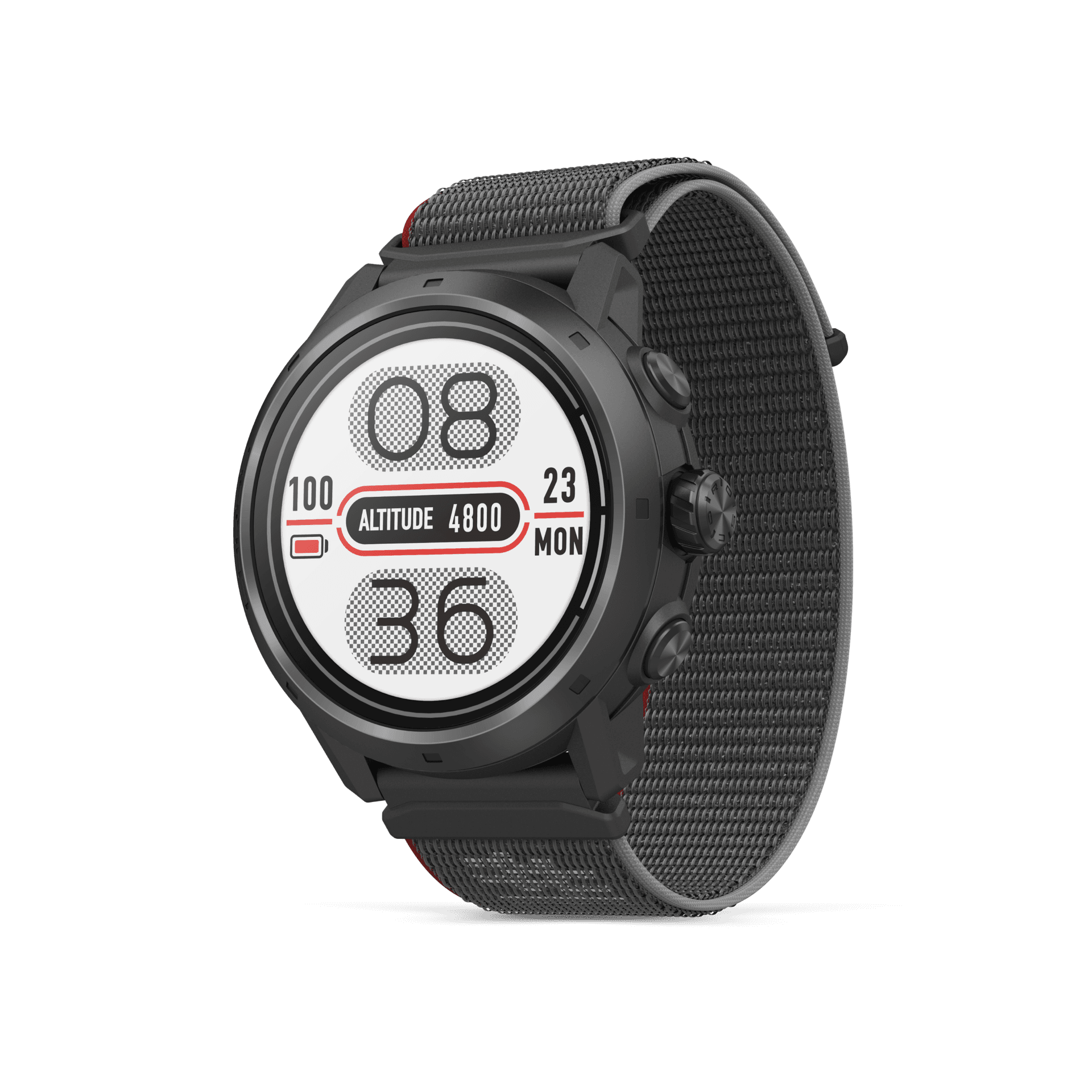
COROS Apex 2 Pro
Why it illustrates the category: Sapphire construction, MIP display, maps and a 10 ATM rating target trail and ultra use.
Best for
- · Trail running
- · Ultras
- · Runners prioritising durability
Trade-off
Less vivid display and more weight than a Pace-focused model.
Read review →From € 499Smartwatch-running hybrid

7.8 Kitletics Score
Apple Watch Ultra 2
Why it illustrates the category: Strong iPhone integration, apps, maps and multi-band GPS put daily smartwatch ability alongside run tracking.
Best for
- · iPhone users
- · Everyday apps and payments
- · Running plus general fitness
Trade-off
Shorter endurance profile and less specialised coaching than dedicated running platforms.
Read review →From € 899
13Compare five watch philosophies
| Product | Support approach | Cushion | Drop | Widths | Best use | Key trade-off |
|---|---|---|---|---|---|---|
| — | — | — | — | Beginner simplicity | Fewer advanced metrics | |
| — | — | — | — | Training depth and maps | Premium price | |
| — | — | — | — | Light battery-and-maps balance | Smaller third-party app ecosystem than Garmin | |
| — | — | — | — | Rugged endurance | MIP less vivid than AMOLED indoors | |
| — | — | — | — | Smartwatch hybrid | Shorter battery than dedicated running watches |
14Common running-watch buying mistakes
Comparing only headline battery
Smartwatch runtime and GPS runtime are different, and high-accuracy GPS, maps, music and always-on display change the result.
Buying a flagship for motivation
A more expensive watch cannot create training consistency. Buy features that remove a real limitation.
Assuming navigation means full maps
Verify whether the watch shows breadcrumb guidance, offline map context or on-device routing.
Ignoring fit for specifications
A large watch that moves on the wrist can be uncomfortable and can undermine optical heart-rate consistency.
Forgetting software and sensors
Confirm phone compatibility, workout and route sync, sensor protocols and data export before switching brands.
Treating wellness data as medical certainty
Heart-rate and wellness features can inform training or prompt attention, but they do not diagnose or exclude medical conditions.
15Frequently asked questions
- Do beginners need a flagship GPS watch?
- Usually no. A simpler GPS watch covers most early training. Add maps and advanced metrics when your routes and training actually need them.
- Is multi-band GPS always better?
- Multi-band can improve tracking in difficult environments but typically uses more battery. Use it when your routes need it — not by default for every easy run.
- How much GPS battery does a running watch need?
- Choose enough runtime for your longest expected activity in the GPS mode and with the maps, sensors, music and display settings you will actually use, then leave a safety reserve. Smartwatch-mode battery is not the relevant figure for a long race.
- Do I need maps on a running watch?
- Not for familiar road routes. Breadcrumb navigation is often enough for simple planned courses; full offline maps become more useful at complex trail junctions, on unfamiliar routes or when you need surrounding context after leaving the course.
- Is AMOLED or MIP better for a running watch?
- Neither is universally better. AMOLED gives vivid contrast and richer graphics, while MIP is highly readable in bright outdoor light and usually supports longer always-visible battery life. Compare readability and battery in your preferred settings.
- Can I trust wrist heart rate for running?
- Wrist optical heart rate is convenient for effort trends, but fit, cold, motion and rapid intensity changes can affect readings. Many runners use a compatible chest strap for intervals. Consumer watch data is not a medical diagnosis.
- Are advanced training-readiness metrics worth paying for?
- They can be useful when you wear the watch consistently and use the trend to inform training alongside how you feel. They are estimates, not instructions; skip them if you mainly need reliable GPS, pace, laps and simple workouts.
Examples for different watch priorities
Browse GPS running watches →Garmin
Forerunner 165
Beginner simplicity
7.6 SolidFrom € 249
View review →Garmin
Forerunner 970
Training depth and maps
9.1 ExcellentFrom € 689
View review →COROS
Pace Pro
Light battery-and-maps balance
8.9 Very GoodFrom € 349
View review →COROS
Apex 2 Pro
Rugged endurance
8.5 Very GoodFrom € 499
View review →Apple
Watch Ultra 2
Smartwatch hybrid
7.8 SolidFrom € 899
View review →
Head-to-head comparisons
Continue the decision with focused head-to-heads — who should choose which, and the trade-offs that matter.
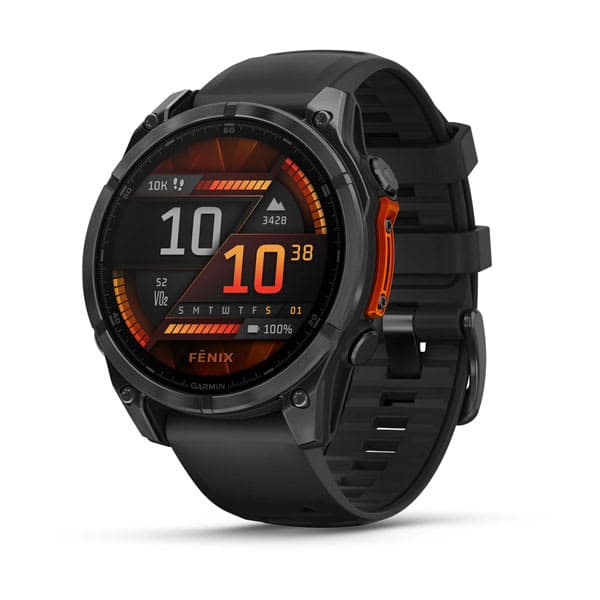
Fenix 8 AMOLED 47mmvsForerunner 970
Adventure multisport flagship vs runner-first Forerunner flagship.
Compare →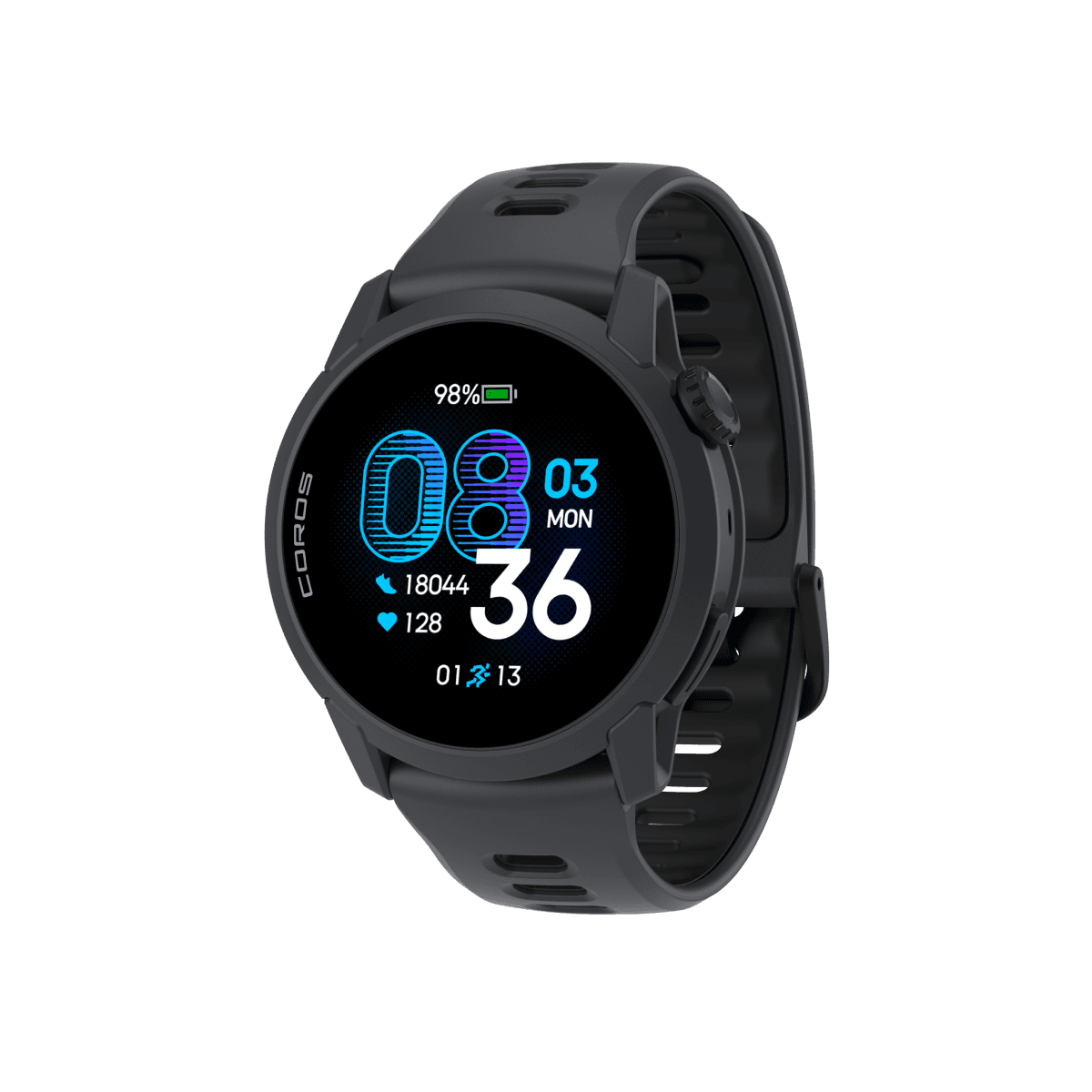
Pace 4vsForerunner 165
Ultralight dual-frequency value runner vs beginner Garmin.
Compare →Forerunner 970vsPace Pro
AMOLED mapping running watches — ecosystem vs weight/value.
Compare →How we research
This guide separates required capabilities from optional conveniences, using structured catalog fields for display, GPS mode, maps, navigation, battery, heart rate, training features and water rating alongside manufacturer documentation and editorial evidence. Product cards and comparison specifications render from current catalog data rather than hardcoded prices.